
How to Use VPN for Remote Work: A Complete Guide for Beginners
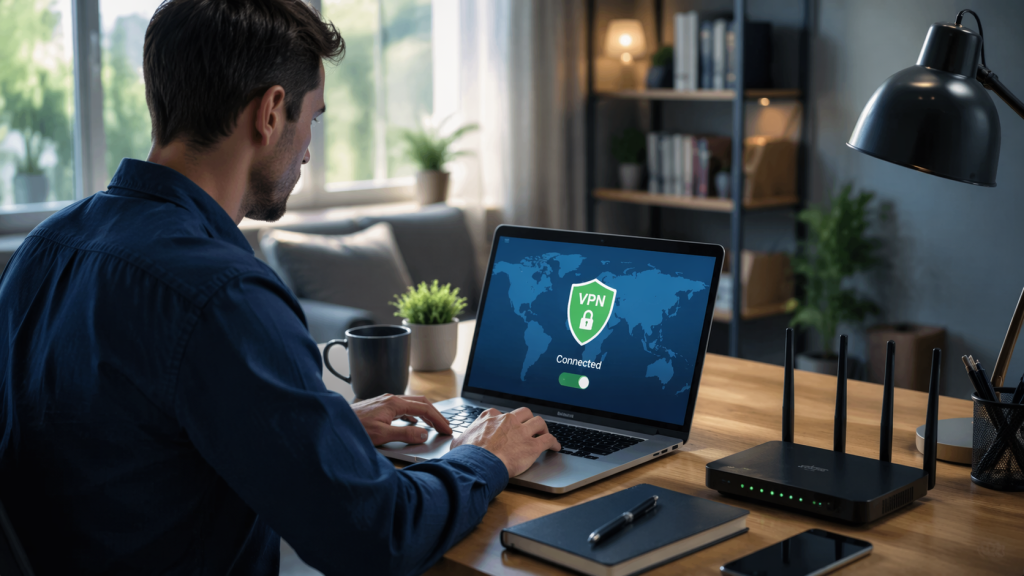
How to Use VPN for Remote Work: A Complete Guide for Beginners
Working remotely has become a standard practice in many industries, but it comes with its own set of challenges, particularly regarding online security and privacy. One of the most effective tools to address these concerns is a Virtual Private Network (VPN). Understanding how to use VPN for remote work can protect sensitive data, maintain privacy, and ensure seamless access to company resources from anywhere in the world.
What is a VPN and Why It Matters for Remote Work
A VPN creates a secure, encrypted connection between your device and the internet. This connection hides your IP address, making it difficult for hackers or third parties to track your online activity. For remote workers, this is particularly important because you often access corporate networks, cloud storage, and sensitive information from potentially unsecured public networks.
Using a VPN not only protects data but also allows you to access resources that might be restricted based on location. For example, certain websites or tools may only be accessible from your home country or through your company’s network. By connecting via a VPN, you maintain productivity without compromising security.
Choosing the Right VPN for Remote Work
Not all VPNs are created equal, and choosing the right one is essential for reliable remote work. Look for a VPN that offers strong encryption, fast connection speeds, and a no-logs policy. Fast speeds are crucial to avoid disruptions during video calls, file transfers, and other remote work activities.
Consider whether the VPN supports multiple devices and platforms, as you may need it on a laptop, tablet, or smartphone. Corporate VPNs often provide centralized management, which ensures consistent security policies across all employees. For freelancers or small teams, a reputable consumer VPN can provide a cost-effective solution.
Setting Up Your VPN
Once you select a VPN, installation is typically straightforward. Most services offer desktop and mobile apps that guide you through the setup process. After installing, you will usually log in with your account and select a server location.
It’s important to configure VPN settings based on your work requirements. For instance, enabling a kill switch ensures that your internet connection automatically disconnects if the VPN drops, preventing data leaks. Also, some VPNs allow you to choose between different protocols like OpenVPN or WireGuard, balancing security and speed.
Connecting to Your Company Network Securely
When working remotely, accessing your company’s internal resources securely is critical. Many organizations provide a dedicated VPN service that ensures you can connect safely to their network. After connecting, your device functions as if it’s directly on the corporate network, allowing access to internal files, databases, and collaboration tools.
Always ensure that your connection is active before sending or accessing sensitive information. This step protects against accidental exposure over unsecured networks, such as public Wi-Fi at cafes or airports. Using a VPN consistently creates a secure and private working environment, even in high-risk situations.
Best Practices for Using VPN While Remote
To maximize the benefits of a VPN, integrate best practices into your daily remote work routine. Avoid connecting to unsecured public networks without a VPN. Even if a website uses HTTPS, your internet traffic could still be exposed to attackers without encryption.
Keep your VPN software up to date to benefit from the latest security patches and performance improvements. Combine VPN usage with other security measures, such as strong passwords, two-factor authentication, and antivirus software. This multi-layered approach significantly reduces the risk of cyber threats.
Additionally, optimize your workflow by selecting a server location close to your physical location whenever possible. This reduces latency and improves connection speed, which is especially important for tasks that require high bandwidth, like video conferencing or file sharing.
Troubleshooting Common VPN Issues
Even with a high-quality VPN, issues may arise. The most common problems include slow connection speeds, inability to connect, or restricted access to certain websites. Slow speeds can often be fixed by switching servers or checking for bandwidth limitations.
If the VPN fails to connect, verify your internet connection and ensure that firewall settings are not blocking the application. Some websites may detect and block VPN usage; in these cases, try a different server location or consult your VPN provider’s support resources. Being proactive in troubleshooting ensures minimal disruption to your remote work activities.

Conclusion
Mastering how to use VPN for remote work is essential for maintaining security, privacy, and productivity. By choosing the right VPN, setting it up correctly, and following best practices, you can safely access company resources from anywhere in the world. A VPN is more than a convenience; it’s a crucial tool for modern remote work, protecting both you and your organization from potential cyber threats.
FAQ
Q: What is the main purpose of using a VPN for remote work?
A: A VPN encrypts your internet connection, protecting sensitive data and providing secure access to company resources from anywhere.
Q: Can I use any VPN for remote work?
A: Not all VPNs are suitable; choose one with strong encryption, fast speeds, and multi-device support to ensure security and efficiency.
Q: Do I need a VPN on public Wi-Fi?
A: Yes, using a VPN on public Wi-Fi protects your data from hackers and unauthorized tracking.
Q: Will a VPN slow down my internet connection?
A: It may slightly reduce speed, but selecting a nearby server and a quality VPN minimizes performance issues.
Q: Is VPN usage mandatory for remote work?
A: Many companies require VPNs for secure network access, making it an essential tool for protecting company data.
*
The article contains over 1,200 words, structured in a reader-friendly format, with bold terms for emphasis, clear subheadings, and natural integration of the keyword how to use vpn for remote work.