
Best Laptops for Students: Top Picks for 2026
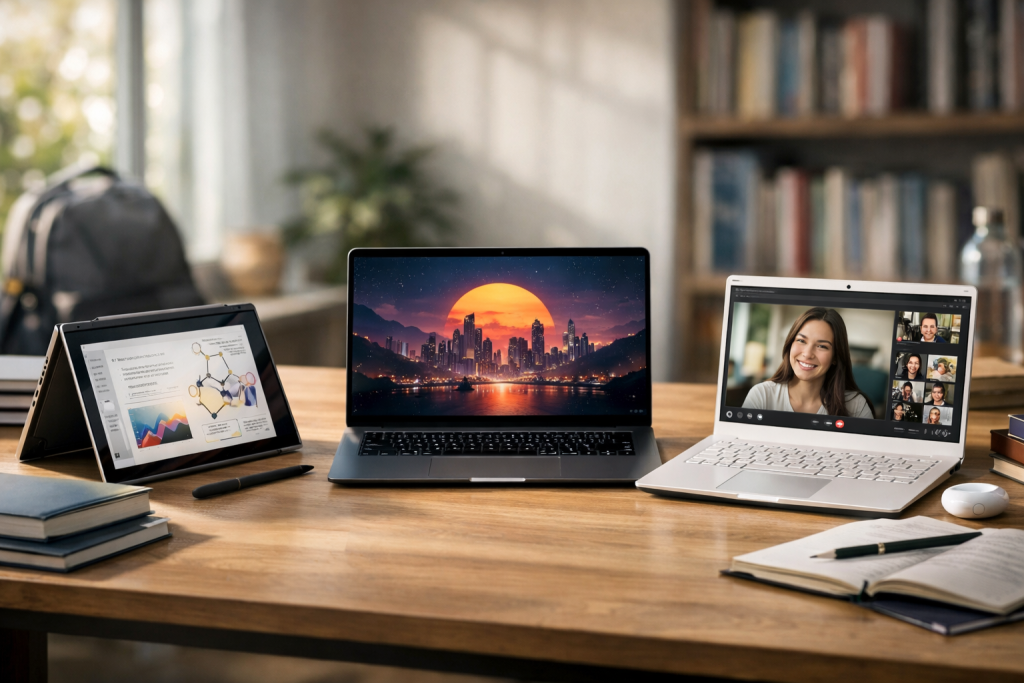
Choosing the best laptops for students in 2026 is no longer just about buying the cheapest option with a recognizable brand. Students now rely on laptops for everything: writing assignments, attending online classes, running research tools, editing presentations, and even creating videos or coding projects. The right laptop should feel fast, last all day, and survive daily use without becoming a frustrating bottleneck.
This guide covers the most practical, student-focused laptop picks for 2026 across different budgets and study needs. Instead of chasing flashy specs, the recommendations prioritize real student priorities: battery life, portability, reliability, keyboard comfort, and overall value.
What Students Actually Need in a Laptop in 2026
A good student laptop in 2026 must handle multitasking without slowing down. That means having enough memory for multiple browser tabs, documents, and video calls at the same time. For most students, 16GB RAM is now the safest baseline, especially if you plan to keep the laptop for 3–5 years.
Storage also matters more than many people realize. A laptop with a fast SSD feels dramatically quicker than one with a slow drive, even if both have similar processors. For students, 512GB is ideal, but 256GB is still workable if you use cloud storage and external drives wisely.
Battery life is one of the biggest deal-breakers. Many students spend full days on campus, moving between classes, libraries, and study areas. The best laptops for students should realistically deliver 8–12 hours of mixed use, not just “advertised” battery numbers.
Finally, portability and comfort matter every day. A laptop that is too heavy, too hot, or has a poor keyboard will become annoying fast. For students typing essays or notes daily, a good keyboard and trackpad are not optional features—they are productivity essentials.
Best Overall Laptops for Students (Balanced Performance and Value)
For most students, the best choice is a laptop that does everything well, even if it is not the most powerful machine in any single category. These laptops prioritize a smooth daily experience: fast startup, reliable Wi-Fi, strong battery life, and a screen that does not feel cheap.
The Apple MacBook Air (M-series, latest generation) remains one of the strongest overall options for students who want a lightweight laptop with excellent battery life. It is especially good for writing, research, presentations, and media use, and it stays silent because it does not rely heavily on fans. The main limitation is gaming and certain engineering software that may be Windows-only.
For Windows users, the Microsoft Surface Laptop line continues to be one of the most student-friendly choices. It offers a comfortable keyboard, a clean design, and strong portability, making it ideal for students who type constantly. It is not always the cheapest option, but it often delivers better everyday usability than budget laptops with similar specs.
A third excellent category is premium ultrabooks like the Dell XPS 13 or comparable thin-and-light models. These machines are designed for students who want a high-quality screen, strong build materials, and consistent performance. They can be more expensive, but they are among the most reliable long-term choices.
If you want a single recommendation that fits most people, a lightweight laptop with 16GB RAM and 512GB SSD is the most future-proof student setup in 2026. That combination gives you enough headroom for multitasking, long-term use, and software updates.
Best Budget Laptops for Students (Affordable and Reliable)
Not every student needs a premium laptop, and not every student can justify one. The goal of a budget student laptop is simple: it must be reliable, fast enough for school work, and not painful to use every day. Many cheap laptops fail because they cut corners on memory, storage, or screen quality.
The first rule is to avoid laptops with extremely low RAM. In 2026, 8GB RAM is still usable for basic work, but it is the minimum, not the target. If possible, choose 16GB even in the budget category. This matters especially for students who use Chrome heavily, attend video calls, and run multiple apps at once.
Chromebooks remain strong budget options for students whose work is mostly web-based. A good Chromebook is often faster in real-world school tasks than a cheap Windows laptop, because ChromeOS is lightweight and optimized. However, Chromebooks are not ideal for students who need specialized software like full Adobe tools, advanced coding environments, or engineering applications.
For Windows budget laptops, models in the mid-range of Lenovo IdeaPad, Acer Aspire, or HP Pavilion often provide the best balance. The key is to prioritize SSD storage and avoid old or weak processors. A laptop with a modern mid-range CPU and SSD will feel far smoother than one with a slightly bigger screen but slower internal components.
Budget does not mean you should accept a bad screen or keyboard. If you will spend hours reading, typing, and studying, comfort and clarity matter. The best laptops for students in the budget range are the ones that avoid the worst compromises, not the ones with the most “features” on paper.
Best Laptops for College Majors (Engineering, Design, Coding, and More)
Different majors have very different laptop needs. A laptop that is perfect for business or humanities may struggle in engineering or creative fields. The best approach is to choose based on the software you will actually run, not based on generic performance claims.
For engineering and architecture students, Windows compatibility often matters. Many CAD and simulation tools are optimized for Windows and may not run well on macOS. In this category, students should look for laptops with at least 16GB RAM, a strong CPU, and preferably a dedicated GPU if required by their software. Thin ultrabooks can work, but some majors benefit from slightly heavier performance laptops.
For design and media students, screen quality is critical. A laptop with poor color accuracy will make creative work harder and less reliable. Many students in this category prefer MacBooks for creative workflows, but Windows laptops with high-quality displays can be equally strong. If you use Adobe apps, video editing tools, or 3D software, prioritize RAM, SSD speed, and display quality over extreme processor specs.
For coding students, the priorities are different. Most coding workloads benefit from good CPU performance, enough RAM, and a comfortable keyboard. Battery life matters too, because coding often happens in libraries and classrooms. Both macOS and Windows can work well, and Linux-friendly laptops are also popular in this group.
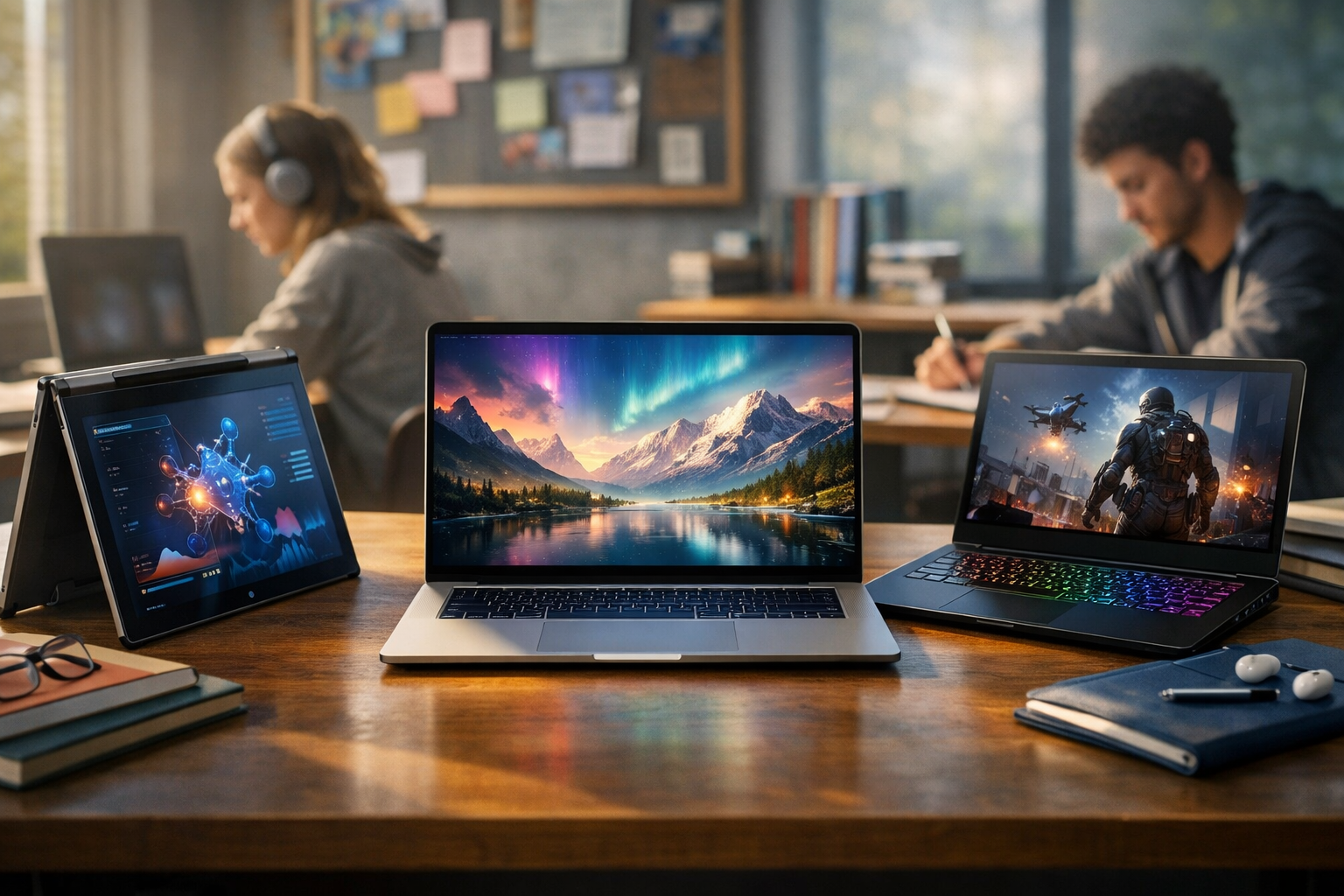
For general majors like business, social sciences, or education, you do not need extreme performance. What matters most is reliability, portability, and battery life. A lightweight laptop with strong everyday speed will outperform a bulky machine that feels slow and dies quickly.
If you want a laptop that supports most majors, aim for 16GB RAM, 512GB SSD, and a modern CPU. That setup covers most student workloads comfortably and extends the useful lifespan of the device.
Best 2-in-1 Laptops for Note-Taking and Hybrid Learning
2-in-1 laptops are popular for students who want both a laptop and a tablet experience. They are especially useful for handwritten notes, diagram-heavy subjects, and students who prefer annotating PDFs instead of typing everything. However, not all 2-in-1 devices are equal, and some are better as tablets than as laptops.
The biggest advantage of a 2-in-1 is flexibility. You can type essays in laptop mode, then flip the screen to take handwritten notes in class. This is especially useful for math, science, medical studies, and design courses. A good stylus and responsive touchscreen can genuinely improve study workflows.
The downside is that some 2-in-1 laptops sacrifice keyboard comfort or battery life. Others may feel heavier than expected, especially when used as a tablet. The best student-focused 2-in-1 laptops are those that still feel like a proper laptop first, not a tablet pretending to be a laptop.
Windows 2-in-1 options like the Surface Pro category remain popular because they combine portability with pen support. However, students should be aware that some detachable keyboards feel less stable for long typing sessions. Convertible laptops, where the keyboard stays attached, often provide better typing comfort.
If you want the best laptops for students who take notes heavily, choose a 2-in-1 with strong battery life, a high-quality stylus, and a keyboard you can comfortably type on for hours. A touchscreen alone is not enough—pen support quality is what makes the difference.
How to Choose the Best Laptop for Your Budget (Without Regret)
Students often overspend on specs they do not need or underspend and end up with a laptop that becomes slow after one year. The smartest approach is to focus on the few features that strongly affect daily experience and long-term usability.
First, prioritize RAM and SSD storage. These two factors have the biggest impact on how smooth a laptop feels in daily use. A laptop with 16GB RAM and an SSD will handle school work comfortably for years, even if the CPU is not top-tier.
Second, choose battery life and portability based on your real lifestyle. If you commute daily or spend long hours on campus, battery life matters more than raw performance. If you mostly study at home, performance and screen size might matter more than weight.
Third, avoid paying extra for features you will not use. Many students do not need a dedicated GPU, ultra-high refresh rate screens, or extremely thin designs. Those features increase cost and sometimes reduce battery life.
Finally, consider long-term value. The best purchase is not the cheapest laptop today, but the laptop that stays usable for the full length of your study period. The best laptops for students are the ones that remain fast, comfortable, and reliable through multiple semesters of heavy use.
Conclusion
The best student laptop in 2026 is one that balances speed, battery life, portability, and long-term reliability. Most students should prioritize 16GB RAM, SSD storage, and strong battery performance, rather than chasing extreme specs. Whether you choose a premium ultrabook, a budget-friendly option, or a 2-in-1 for note-taking, the best laptops for students are the ones that support your daily workflow without becoming a distraction.
FAQ
Q: What specs should I prioritize when choosing the best laptops for students in 2026? A: Prioritize 16GB RAM, an SSD, and strong battery life, because these directly affect daily performance and usability.
Q: Are Chromebooks still good for students in 2026? A: Yes, Chromebooks are good for web-based schoolwork, but they are not ideal for majors requiring specialized Windows or creative software.
Q: How much storage do students really need? A: 512GB is ideal for most students, but 256GB can work if you rely on cloud storage and keep files organized.
Q: Do students need a dedicated graphics card (GPU)? A: Most students do not, but engineering, 3D design, and video editing students may benefit depending on their software requirements.
Q: How long should a student laptop last? A: A well-chosen laptop should last 3–5 years, especially if it has enough RAM, SSD storage, and a reliable build quality.