
How Much is a Motherboard: Cost Breakdown and Analysis
Laptop owners often encounter slow performance or unexpected breakdowns. The fault may lie in an old or damaged motherboard. This crucial part can breathe life back into our devices. Yet, its expense worries many. This piece will break down the motherboard replacement costs. It aims to help us make smart choices when our laptops act up.
It’s crucial to know what affects motherboard prices. We must understand if getting a new one is cost-effective. We will dive into the cost of parts, labor, and making sure it fits. After reading, you’ll understand the full cost of fixing your laptop’s motherboard.
Understanding the Motherboard’s Importance
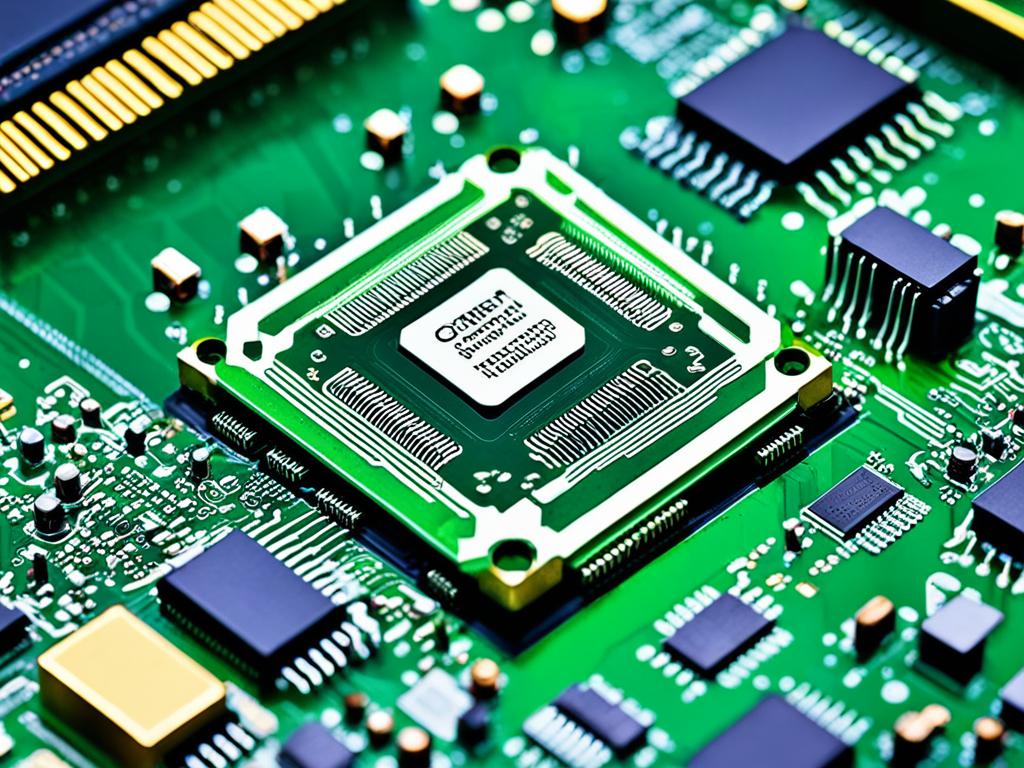
The motherboard is like a computer’s heart. It is key to a laptop’s performance and functionality. It lets the parts like the processor, RAM, and storage work together. If the motherboard doesn’t work, the laptop won’t even turn on.
The importance of the motherboard is huge for your laptop to work well. It does many things that help your laptop last long and run as it should.
- It gives power to all the parts.
- It lets the CPU, RAM, and other parts talk to each other.
- It’s the base for new parts, like more memory or better graphics.
- It makes sure all the parts fit and work together.
When the motherboard breaks or gets old, it hurts your laptop. You might need to get a new motherboard to fix your laptop’s problems and make it work longer.
| Motherboard Function | Importance |
|---|---|
| Power Distribution | Ensures all components receive the necessary power to operate correctly |
| Data Transfer and Communication | Enables seamless interaction between the CPU, RAM, and other peripherals |
| Expansion Capabilities | Allows for the addition of new hardware components to enhance performance |
| Compatibility Maintenance | Ensures all hardware elements work together harmoniously |
Understanding how important the motherboard is helps us take better care of our laptops. A good motherboard means our laptops work well and stay useful for a long time.
Factors Affecting Motherboard Costs
The cost of swapping a motherboard depends on many things. These include your laptop’s age, model, brand, and specs. All of this affects how much you have to pay.
Age and Model
Newer laptops usually cost more to fix. This is because parts are usually more expensive and harder to find. But, older laptops might be cheaper to repair. Still, finding parts for them can be difficult.
Brand and Specifications
The motherboard cost also goes up if you have a well-known brand. High-tech laptops needing powerful CPUs and lots of RAM will be more expensive to fix. This is because their components cost more.
| Laptop Brand | Average Motherboard Replacement Cost |
|---|---|
| Apple | $300 – $800 |
| Dell | $150 – $400 |
| HP | $100 – $350 |
| Lenovo | $120 – $400 |
| Acer | $80 – $300 |
Knowing about these factors influencing motherboard cost helps. It lets you get ready for the possible cost of fixing a motherboard.
Average Cost Ranges for Motherboard Replacement
Replacing a laptop’s motherboard can cost a lot, depending on many things. We found out the usual prices you might face in 2024. These include:
- An entry-level motherboard swap typically costs between $100 to $250.
- A mid-range motherboard, with more features, usually costs $200 to $500.
- If you’re going for a top-notch motherboard, be ready to pay $400 to $800 or even more.
Remember, these numbers are approximate. The real cost depends on things like the brand, model, and specs of the motherboard. Also, how much the labor costs for the change matter.
| Motherboard Type | Average Replacement Cost |
|---|---|
| Entry-level | $100 – $250 |
| Mid-range | $200 – $500 |
| High-end | $400 – $800+ |
If you’re planning or need a motherboard change, these estimates will be a good starting point. But, to be accurate, talk to an expert or get a quote for your laptop’s specific needs. This includes its make, model, and the parts needed for replacement.
how much is a motherboard: Professional vs. DIY Replacement
Dealing with a faulty motherboard leaves us with two choices. We can hire a professional or try to fix it ourselves. The right pick depends on how much you know, your budget, and the fix’s complexity.
Getting a professional to replace your motherboard might cost more upfront. Yet, you’ll have an expert at the helm. They bring their tools and skills to switch your motherboard safely. This lowers the chance of damage to your system.
Choosing to do it yourself can save some money. But, it needs technical know-how and a sharp eye for detail. A mistake here could cost you way more in the end if it causes harm to your computer.
Cost Comparison: Professional vs. DIY Motherboard Replacement
Let’s break down the costs between hiring a pro and going the DIY route:
- Professional Motherboard Replacement: Expect to pay from $150 to $400. This range changes based on the repair’s difficulty, the technician’s rate, and motherboard cost.
- DIY Motherboard Replacement: Just the replacement motherboard can be $50 to $300. Prices vary by brand and specs. Don’t forget to consider extra time and the risk of damage, which might up your expenses.
The choice between professional and DIY repair depends on many factors. Consider your skills, situation, and cost-effectiveness carefully. Think about the risks and benefits of each before deciding what to do.
Cost-Saving Strategies for Motherboard Replacement
Replacing a laptop’s motherboard can be expensive. But, you can cut costs. Two key ways are discussed here. They will help you save on your motherboard replacement.
Opt for a Repair Shop
Using a reliable repair shop can save you money. They often get parts at lower prices since they buy in bulk. This means they can charge you less. Plus, their skills can lead to quicker repairs. This reduces the time they spend, which saves you labor costs.
Purchase a Used Motherboard
Buying a used or refurbished motherboard is another smart move. It’s easily done online. But, make sure it works with your system before buying. Take your time to check its condition. Yet, don’t assume you won’t find a good deal. Exploring the used market can offer affordable options.
When saving money on motherboard replacement, consider both quality and cost. Finding the right balance is key. Look for solutions that are both budget-friendly and promising for your laptop’s future. With these steps, you can find a fix that fits both your needs and wallet.
Evaluating the Cost vs. Replacement
Choosing between repairing or replacing your laptop because of the motherboard is tough. You should think about the expense of a new laptop against fixing it. Consider the laptop’s age, how well it works, and what you need it to do.
If repair costs are as much as a new laptop or more, buying a new one might make more sense. New laptops can be faster, have better features, and last longer. This often makes them a better deal.
Make your choice wisely by looking at these points:
- Laptop Age: An old laptop might not perform as well as a new one. It might not be worth fixing if it’s almost done serving you.
- Performance Needs: If your laptop is slow for your tasks, fixing the motherboard might not help much. A new laptop might be a smarter choice for you.
- Future Upgrades: Think about if you’ll want to upgrade later and if your laptop can keep up. A new laptop might let you make changes as needed.
Compare the cost of fixing the motherboard with getting a new laptop. This way, you can choose what’s best for your wallet and what keeps your work smooth.
Think about your laptop’s state and what it has to do for you. This will guide you to a choice that fits your budget and tech needs well.
Compatibility and Compatibility Factors
When you replace a laptop’s motherboard, it’s crucial to pick one that fits. Your laptop’s brand, model, and the parts it already has are key. If you choose the wrong motherboard, your laptop might not work properly. Avoid problems by doing your homework on what will work with your specific laptop model.
Now, let’s look at what you need to keep in mind for a smooth motherboard replacement:
- Laptop Make and Model: Your laptop’s make and model find the right motherboard match. Look up which motherboard types work with your laptop to ensure a good fit.
- Processor Socket Type: The motherboard’s processor socket type must align with your CPU’s. This ensures your processor can slot into its new home properly.
- Memory (RAM) Compatibility: The motherboard should be able to use your laptop’s RAM. Check its memory requirements to see if your RAM will work with it.
- Expansion Slots and Ports: Make sure the motherboard has similar slots and ports for things like memory cards and USB connections. This keeps your current devices working.
- BIOS and Firmware Compatibility: The new motherboard needs to sync with your laptop’s system software. Matching the BIOS or firmware reduces the risk of errors.
Think about these aspects to choose the right motherboard. Failing to consider these key points could cause issues. These can range from minor hiccups to a complete system breakdown.
Conclusion
Replacing your laptop’s motherboard can be pricey. It could cost between $200 to $800, depending on your laptop type and needed motherboard. Consider if buying a new laptop might be a better option. Often, motherboard issues mean your laptop’s life is ending soon.
If you choose to repair, find a reliable shop first. For some laptops, it’s too expensive to fix. Think hard and decide if you should replace or retire your old laptop. Use the summary of motherboard replacement costs and key takeaways on laptop motherboard replacement to help.
Swapping a motherboard is tricky and needs a pro. Fixing it yourself might cut costs but could break your device more. Think about the good and bad points carefully.
FAQ
What is the average cost to replace a laptop motherboard?
In 2024, the cost to replace a laptop motherboard will be between 0 to 0. It can be over 0 based on many factors. These include the laptop’s age, brand, model, and specs.
What factors affect the cost of replacing a laptop motherboard?
The cost can vary a lot. It depends on your laptop’s age, model, brand, and specs. If you have a new or a high-end laptop, it can cost more.
This is because parts for these laptops can be more expensive. Also, they might be harder to find.
Should I hire a professional or attempt a DIY motherboard replacement?
You can choose to let a pro do it or try fixing it yourself. Professionals charge more but do a better and safer job. They also give you a warranty.
Fixing it yourself saves money on labor costs. But, you must know what you’re doing. You can also make things worse if you’re not careful.
How can I reduce the cost of replacing my laptop’s motherboard?
Saving money on a new motherboard is possible. You can do this by finding a repair shop that offers good deals on parts and labor. Buying a used or a refurbished motherboard can also be cheaper.
But, make sure it works with your laptop. Check its condition and compatibility before you buy it.
How do I ensure compatibility when replacing a laptop’s motherboard?
Compatibility is key when changing a motherboard. Your laptop’s make, model, and hardware details matter a lot. To be sure, look up which motherboards fit your laptop.
This will help you avoid problems and make sure everything works after the replacement.